May 21, 2026
Built for teams. Ready for enterprise scale.
As more teams collaborate on voice agents, workflows, reports, and integrations, managing who can do what becomes just as important as building the AI itself.
Today, we’re excited to launch Workspace-level Role Based Access Control (RBAC) on SubVerseAI - designed to help teams collaborate safely, clearly, and at scale.
A New Workspace Menu, Built for Team Ops
We’ve introduced a dedicated Workspace section in the sidebar to centralize everything related to people, access, and accountability.
You’ll now see:
Roles – Define what each user can access
Invite Users – Bring teammates into your workspace
Activity Logs – Track what changed, when, and by whom
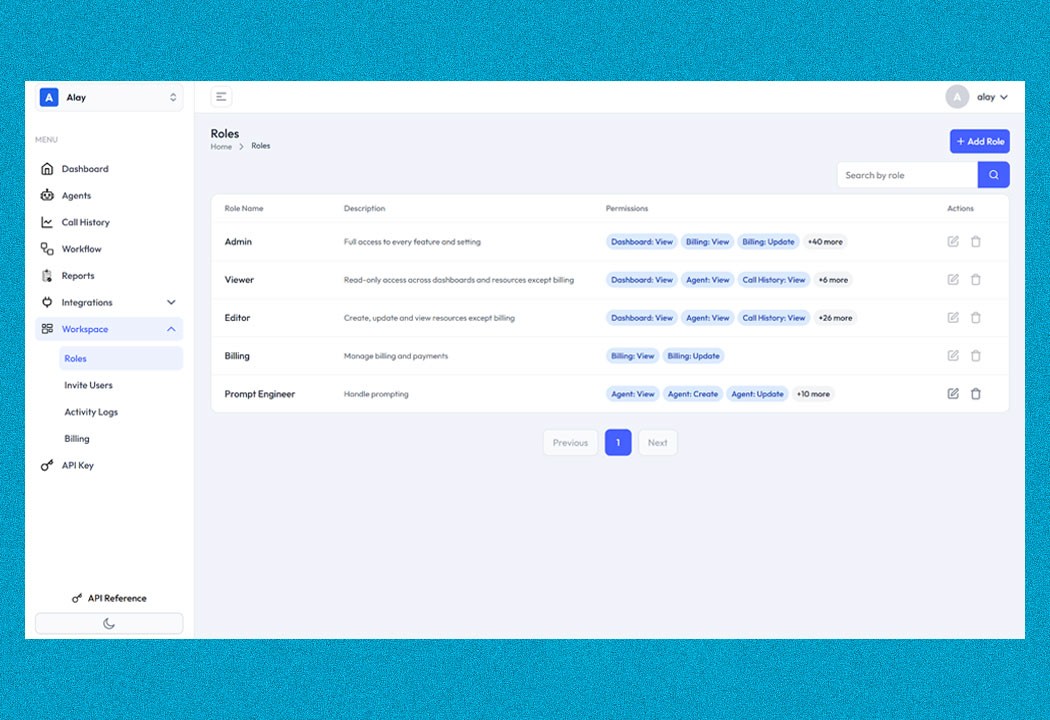
Flexible Roles with Fine-Grained Permissions
You can now create and manage roles that match real responsibilities in your org - not generic labels.
Use predefined roles like Admin, Viewer, Editor, Billing, or Prompt Engineer
Or create custom roles with exact permissions
Update roles anytime as teams evolve
Safely delete roles (only if they’re not assigned)
Permissions span the entire platform - from Voice Agents and Workflows to Billing, API Keys, Telephony, and Reports.
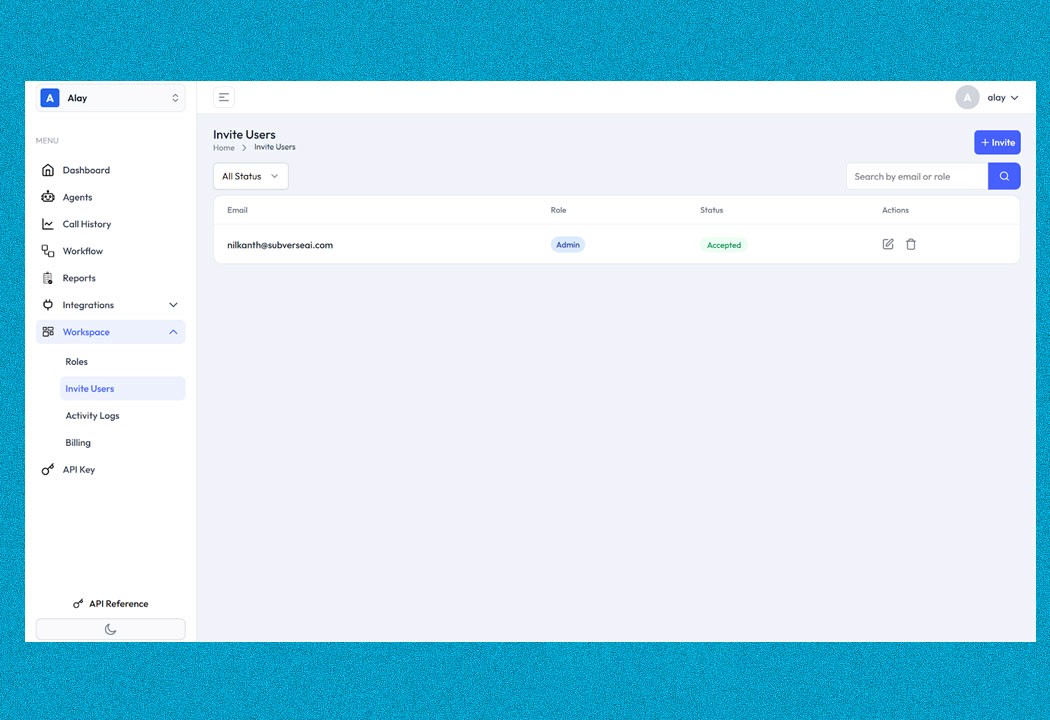
Invite Users in Seconds (Even If They Don’t Have an Account Yet)
Adding teammates is simple and secure:
Invite users via email
Assign a role at invite time
Invites expire automatically after 48 hours
Expired invites can be resent instantly
Once accepted, the workspace appears in the user’s profile - and users can belong to multiple workspaces, switching between them as needed.
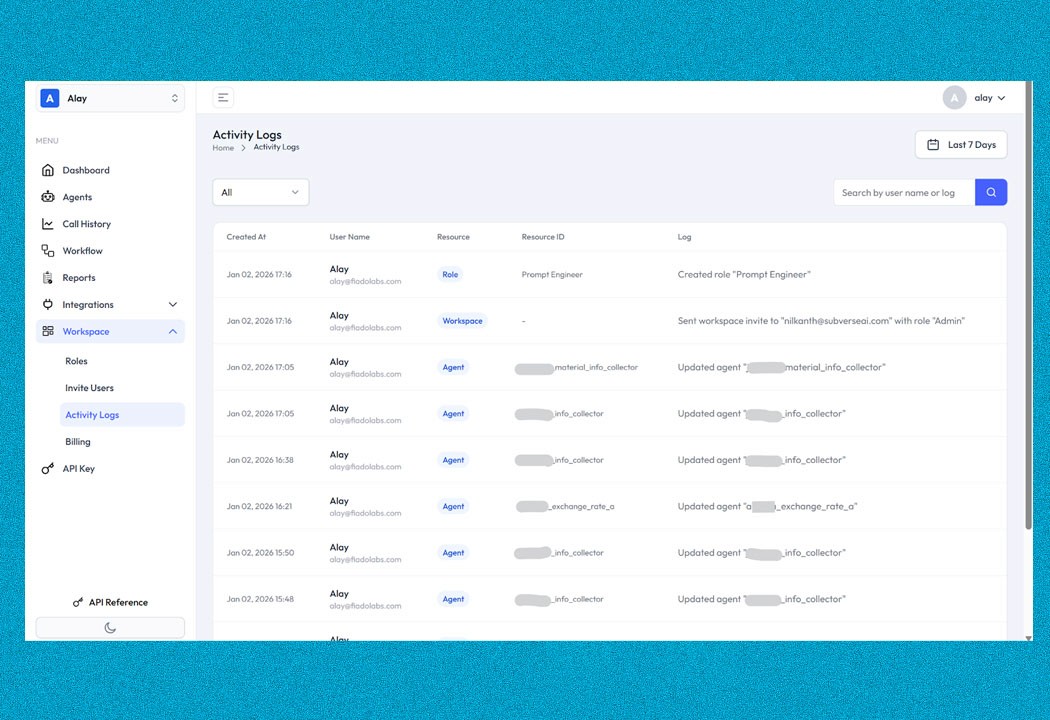
Built-In Visibility with Activity Logs
Every important action inside a workspace is automatically logged:
Agent updates
Workflow changes
Role creation or edits
User invites and access updates
Each log captures who did what, on which resource, and when - giving teams instant visibility and audit readiness.
Smart Access, Reflected Directly in the UI
Access control isn’t hidden behind the scenes - it’s visible and intuitive.
If a user doesn’t have permission:
Tabs are disabled or hidden
Clear guidance is shown (e.g. “Ask your admin to update your role”)
This keeps teams moving fast without accidental access or confusion.
Why Teams Love This
✔ Cleaner collaboration across large teams
✔ Clear ownership and accountability
✔ Safer access to sensitive features like billing and API keys
✔ Easy onboarding for partners, vendors, and auditors
✔ Enterprise-ready governance without slowing builders down
Workspace Roles & Access Control is now live on SubVerse AI.
Built to scale with your teams and your AI ambitions.
Table of Content
More Insights


