May 21, 2026
The best way to integrate telephony with an AI call center is via SIP trunking. It offers carrier-grade reliability, low latency, native PSTN compatibility, and seamless integration with global telecom providers. At SubVerse AI, we prioritize SIP over WebSocket-based calling because it ensures production-grade scalability for enterprises across banking, insurance, healthcare, and ecommerce.
Whether you're building an AI-powered IVR, an outbound AI agent, or a conversational AI in banking solution, SubVerse AI connects directly with your existing telephony stack - no rip-and-replace required.
How Does Telephony Integration Work in an AI Call Center?
Telephony integration enables your AI voice agent to send and receive real phone calls using:
SIP Trunk
Web Call (WebRTC)
WebSocket Streaming
SIM-Based Integration
WhatsApp Voice Calling
Each channel serves a specific purpose. Let’s break them down.
What Is SIP Trunk Integration and Why Is It Preferred?
SIP (Session Initiation Protocol) trunking connects your AI system directly to telecom carriers and contact center platforms.
Why SubVerse AI Prefers SIP Over WebSocket:
Feature | SIP Trunk | WebSocket |
|---|---|---|
Carrier-grade reliability | ✅ Yes | ⚠️ Depends on infra |
Native PSTN connectivity | ✅ Yes | ❌ No |
Scalability (1000s of calls) | ✅ Proven | ⚠️ Limited |
Telecom compatibility | ✅ Universal | ❌ Custom build |
Production readiness | ✅ Enterprise-grade | ⚠️ Experimental |
WebSockets are useful for browser-based streaming or experimental deployments. But for AI call center automation, SIP ensures stability, compliance, and quality-of-service (QoS).
For enterprises searching for AI call center, AI powered IVR, or contact center automation tools, SIP remains the gold standard.
How Easy Is It to Configure Telephony on SubVerse AI?
Telephony configuration on SubVerse AI takes minutes.
You simply:
Create a credential
Add SIP authentication details (username, password)
Enter SIP server address
Save and connect
The system securely encrypts all credentials and connects your trunk instantly.
You don’t need telecom engineers or deep VoIP expertise. The platform abstracts the complexity.
Which Telephony Providers Does SubVerse AI Support?
SubVerse AI is telecom-agnostic. We integrate with leading providers across India, US, and Europe.
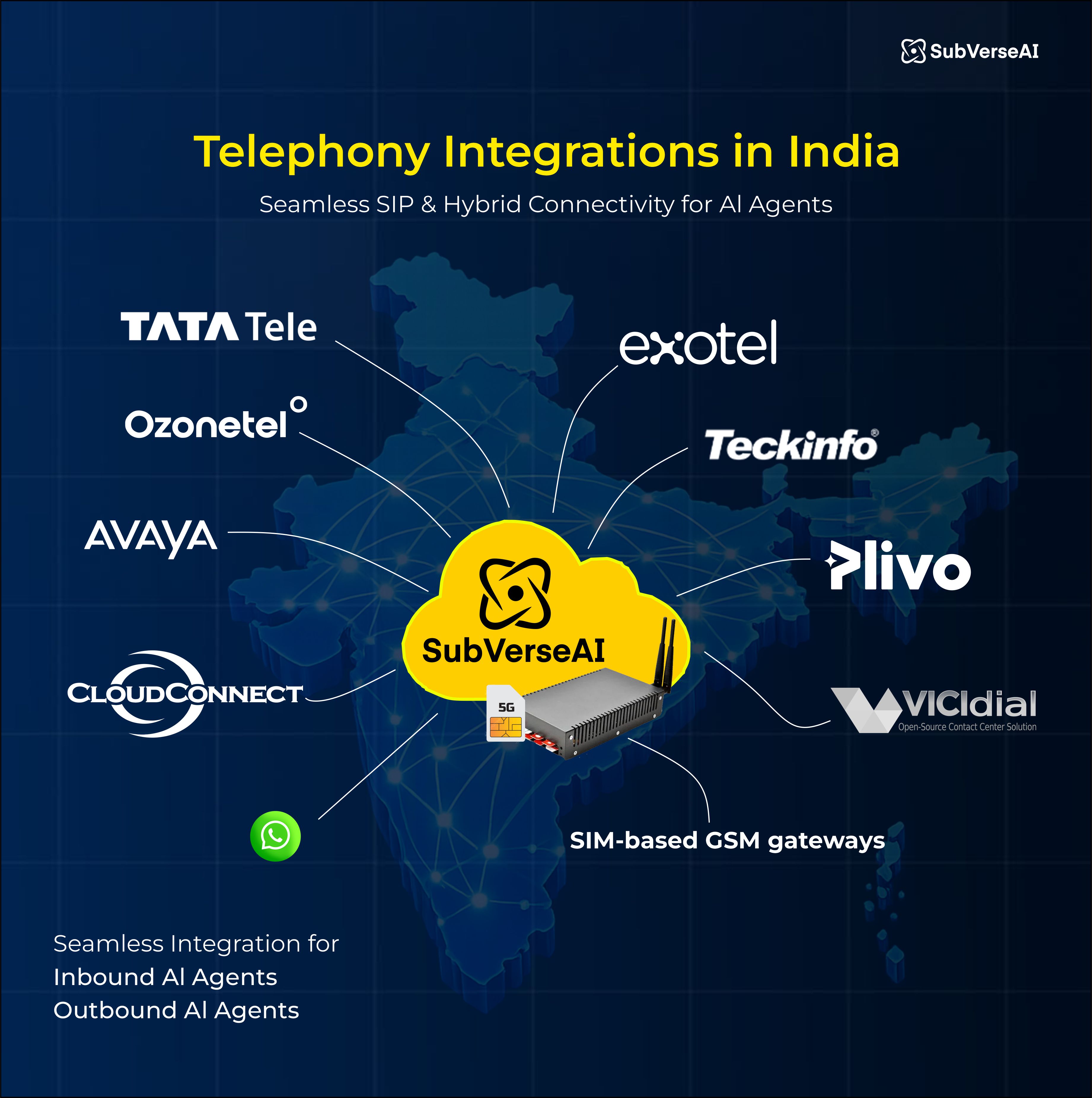
Telephony Integrations in India
SubVerse supports direct SIP and hybrid integrations with:
Cloud telephony providers: Tata Tele. Exotel, Ozonetel, Tekinfo, CloudConnect, Avaya, VICIdial, Plivo
SIM-based GSM gateways
Whether you run inbound or outbound AI agents, integration is seamless.
Telephony Integrations in US & Europe
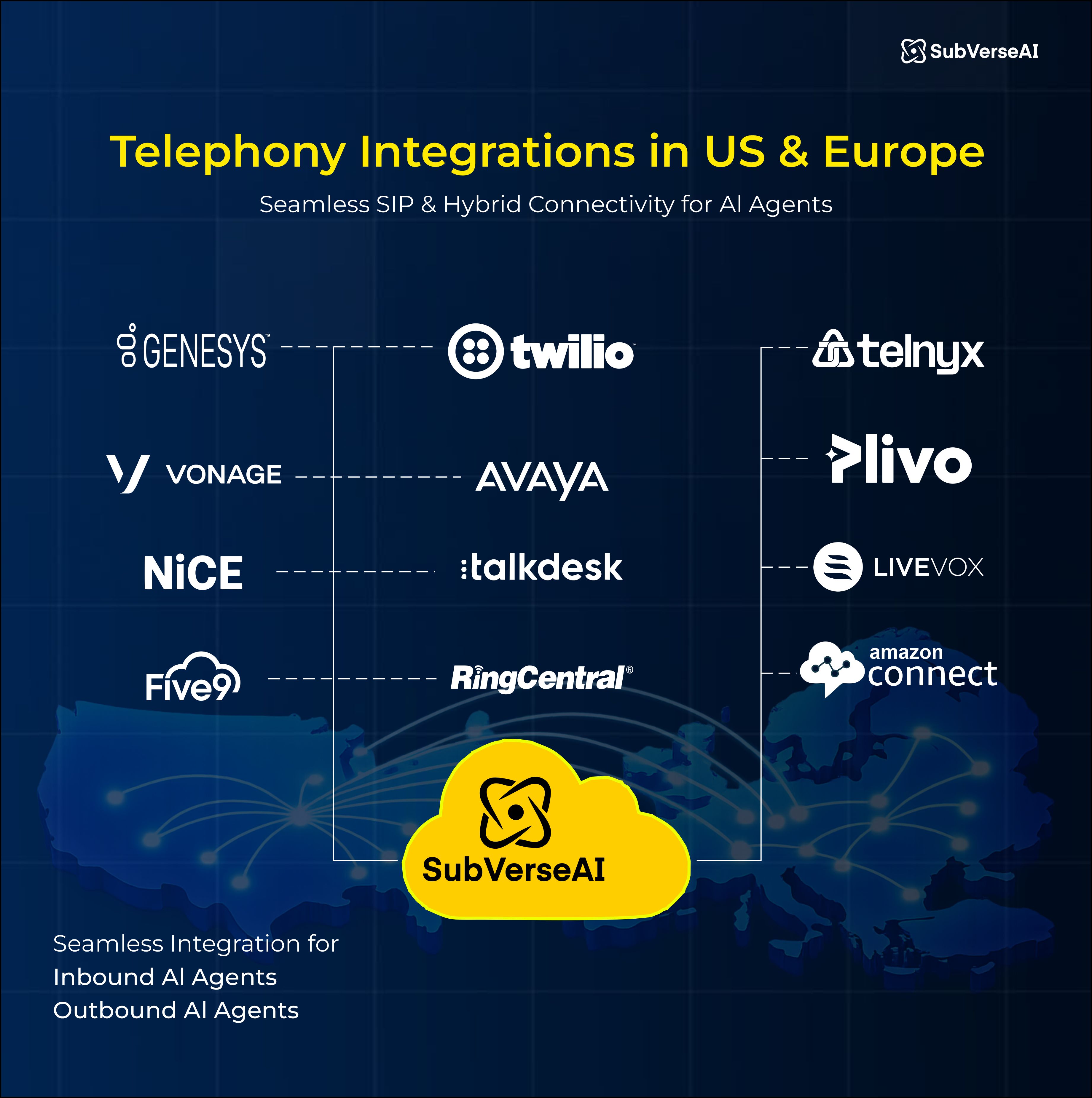
SubVerse supports Genesys, Twilio, Telnyx, Vonage, Avaya, Plivo
For enterprises upgrading legacy IVR systems, SubVerse AI plugs directly into your contact center stack.
Can You Use Web Call (Browser-Based Calling)?
Yes.
SubVerse AI supports WebRTC-based web call integration.
You simply embed a lightweight script into your web or mobile app. That’s it.
Benefits:
No telecom setup required
Instant deployment
Ideal for in-app support / conversations
Adds an extra layer of security through your own app authentication
For startups testing AI voice agents, this is the fastest route.
What About WhatsApp Voice Integration?
SubVerse AI supports WhatsApp voice calling integration, allowing businesses to:
Enable AI-driven support within WhatsApp
Automate appointment reminders
Deploy AI-powered outbound calls
Provide multilingual conversational AI
For markets like India and LATAM, WhatsApp voice dramatically increases engagement.
Do You Support SIM-Based Telephony?
Yes.
For regions with legacy telecom infrastructure, we support:
SIM gateway integrations
GSM-based call routing
Hybrid AI + traditional PBX deployments
SIP vs WebSocket: When Should You Choose What?
Choose SIP If:
You run a call center
You need inbound/outbound PSTN calls
You require high uptime
You operate in BFSI, healthcare, or regulated industries
Choose WebSocket If:
You’re building a browser-native product
You’re testing prototypes
You don’t need direct PSTN integration
For enterprises searching best global voice AI providers with telecom support, SIP-backed architecture is non-negotiable.
How to Integrate Telephony with SubVerse AI (Step-by-Step)
Step 1: Select Integration Type
Choose SIP, Web Call, WhatsApp, or SIM.
Step 2: Add Provider Credentials
Enter SIP username, password, and server address.
Step 3: Map Numbers
Connect DID numbers or outbound caller IDs.
Step 4: Configure AI Agent
Attach voice agent workflow.
Step 5: Go Live
Start inbound or outbound campaigns instantly.
Time to production? Often less than 24 hours.
Why Enterprises Choose SubVerse AI for Telephony Integration
Carrier-grade SIP architecture
Global telecom compatibility
WhatsApp voice support
Browser-based web calling
Secure encrypted credential storage
Modular AI model architecture
Enterprise-grade scaling
For industries like banking, insurance, healthcare, ecommerce, and BPO - this flexibility is critical.
If you're evaluating AI call center platforms, AI voice agents, or contact center automation tools, telephony integration is not just a feature - it’s the backbone.
And at SubVerse AI, it’s built to scale.
Table of Content
More Insights


